Tidy – PrestaShop Database Cleanup & Maintenance
Clean up unnecessary data and keep your PrestaShop store organized — without manually editing the database. Tidy removes old carts, logs and unused records, repairs images and product associations, and automates selected tasks with CRON. Preview each operation before applying changes.
Remove unnecessary data. Fix inconsistencies. Keep your PrestaShop store organized.
Abandoned carts, old logs, expired discounts, unused images and broken product associations do not disappear on their own. Over time, they add to your store's data footprint and make administration, backups and upgrade preparation more difficult.
Tidy is a toolkit for cleaning up and repairing PrestaShop data. From one back-office screen, you can run selected operations, preview their scope and schedule recurring CRON tasks — without writing SQL queries manually.
The benefit: fewer unnecessary records and files, a more consistent catalog and less repetitive administration. Actual performance improvements depend on your store's condition.
Remove data your store no longer needs
Tidy lets you clean up selected groups of obsolete records instead of manually inspecting database tables.
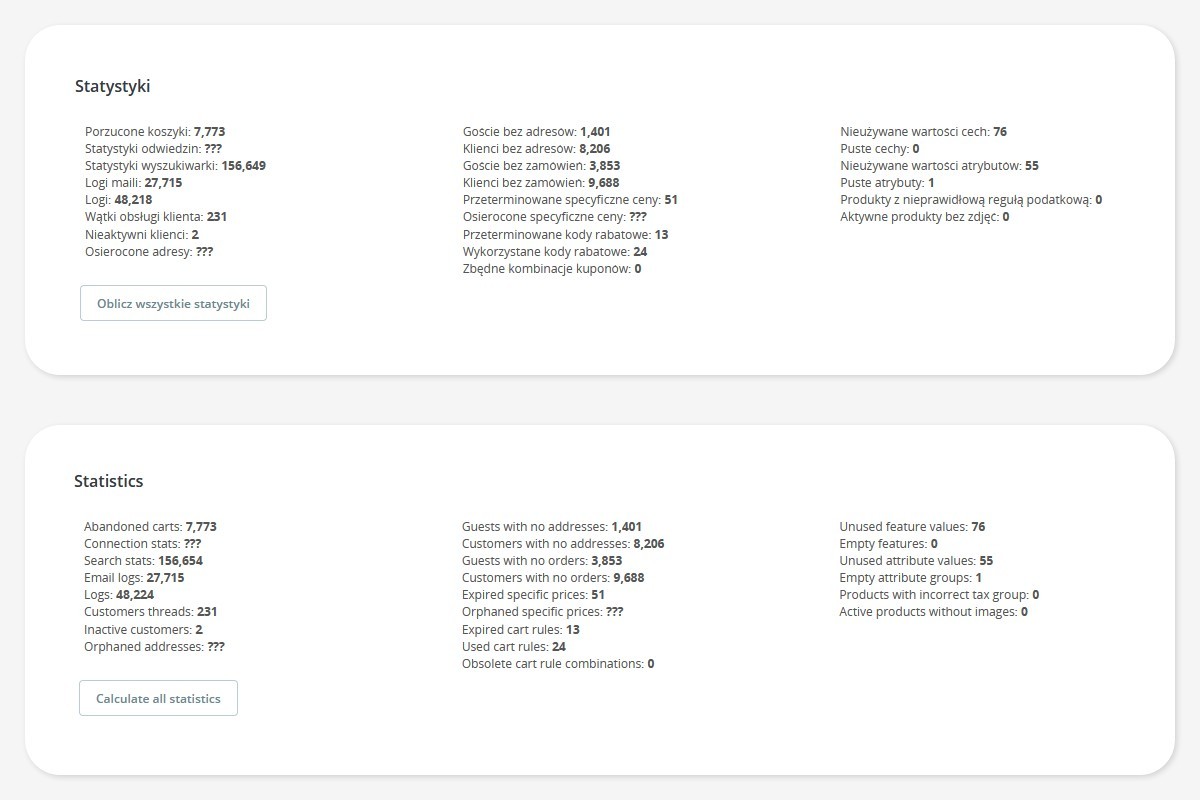
- old abandoned carts, visit and search statistics, logs and email history;
- unused guest and customer accounts, orphaned addresses and old customer service threads;
- expired or used vouchers and outdated or orphaned specific prices;
- unused feature and attribute values, empty groups and back-office filters;
- your store's cache.
Where supported, you can set a minimum record age in days. Cache cleanup clears the entire cache.
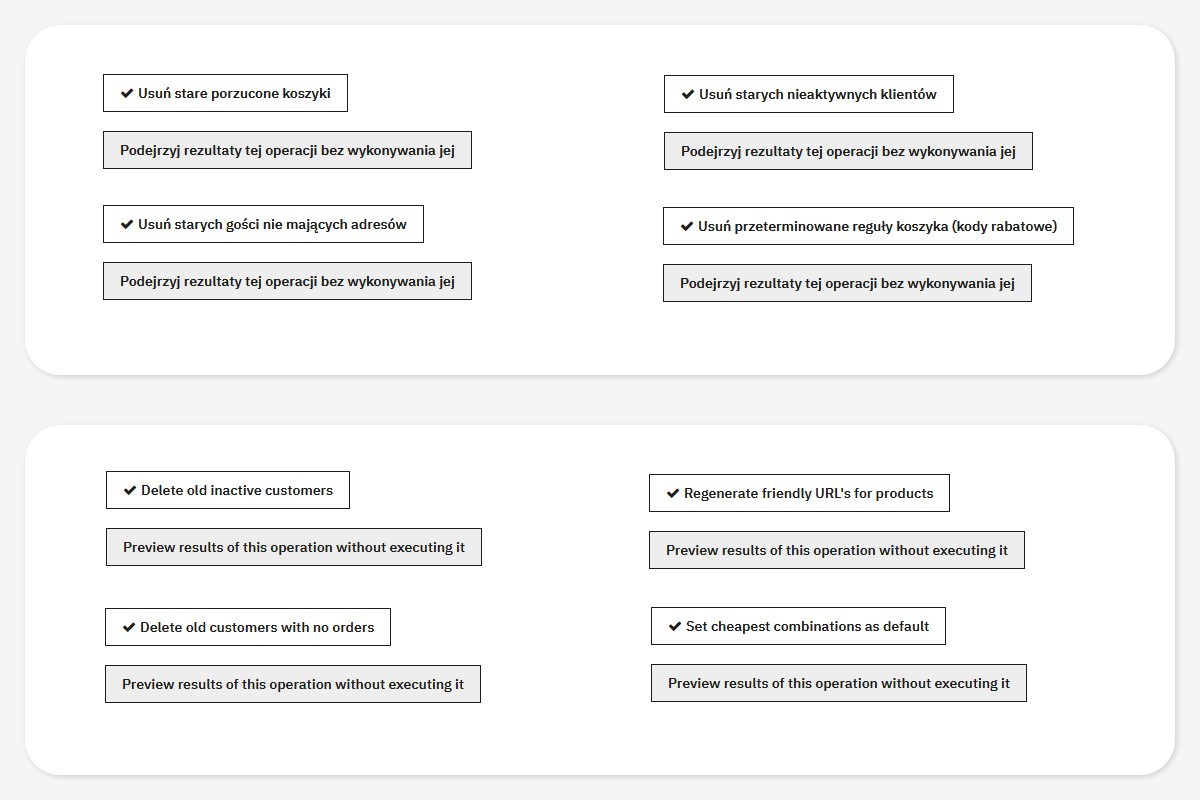
Preview first. Execute only when you're ready.
Bulk cleanup and data repairs deserve careful review. Every Tidy tool includes a Preview button so you can inspect the scope of an operation before running it.
Previewing does not delete data. Always make a current backup of your database and store files before running operations that modify or remove data.
Fix problems left by imports, changes and upgrades
Tidy helps you resolve common catalog inconsistencies without manually editing hundreds of products:
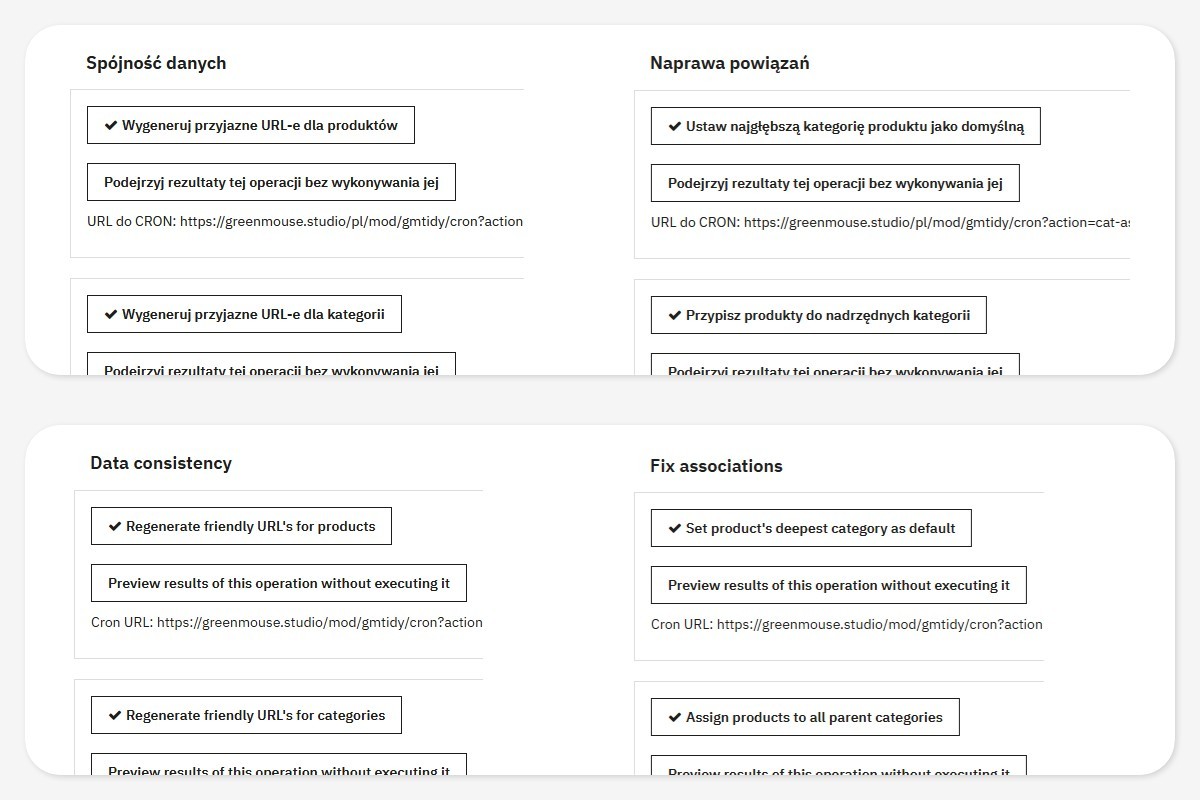
- regenerate friendly URLs for products, categories and CMS pages;
- set the default combination to the cheapest option or the first in-stock option;
- fix cover images and remove broken or unused image files;
- repair product-category assignments and Multistore associations;
- correct invalid tax rule group assignments.
The module can also reset product and category meta titles. This is an administrative operation, not automatic SEO copy optimization. Review its effect on your existing metadata before using it.
Put routine maintenance on a schedule
Each operation has its own CRON URL. Schedule selected tasks through your server's task scheduler instead of logging in to the back office every time.
Useful options include record-age thresholds and silent mode for CRON jobs. Automate routine cleanup operations only after testing them. Configure data repairs and bulk product activation or deactivation with particular care.
What exactly can you do with Tidy?
Database cleanup
Remove old carts, logs, connection and search statistics, email logs, unused guest and customer records according to available criteria, orphaned addresses, old customer service threads, expired and used vouchers, orphaned specific prices, unused features and attributes, back-office filters, and cached data.
Product consistency and SEO-related maintenance
Regenerate friendly URLs for products, categories and CMS pages; select a product's default combination; fix tax rule group assignments; reset product and category meta titles.
Product images
Remove broken and unused images and temporary files, repair cover images and their order, associate images with stores in a Multistore setup, clean images or thumbnails belonging to inactive products, and deactivate products without images.
Associations and Multistore
Set the deepest category as a product's default category, assign products to parent categories, and repair customer group, feature, attribute and module associations. You can also unlink inactive accessories and accessories attached to inactive products.
Bulk activation and deactivation
Change product status based on stock, image availability and category assignments; change category and manufacturer status based on associated products.

When is Tidy particularly useful?
Established stores
Clean up years of accumulated records from visits and sales.
Large catalogs
Fix images, combinations and product associations at scale.
Imports and integrations
Remove orphaned data and repair inconsistent relationships.
Before an upgrade
Reduce unnecessary data before backups or migration.
Frequently asked questions
Keep your PrestaShop store tidy
Choose an operation, preview its impact and decide what to clean up or repair.
Products in the same category